
Version history
See every published version of a workflow, preview an older one, and restore it to your working copy before publishing again.
Every time you publish a workflow, Robylon saves a snapshot of it. Version history lets you see how the workflow looked at any point and roll back a change that did not work.
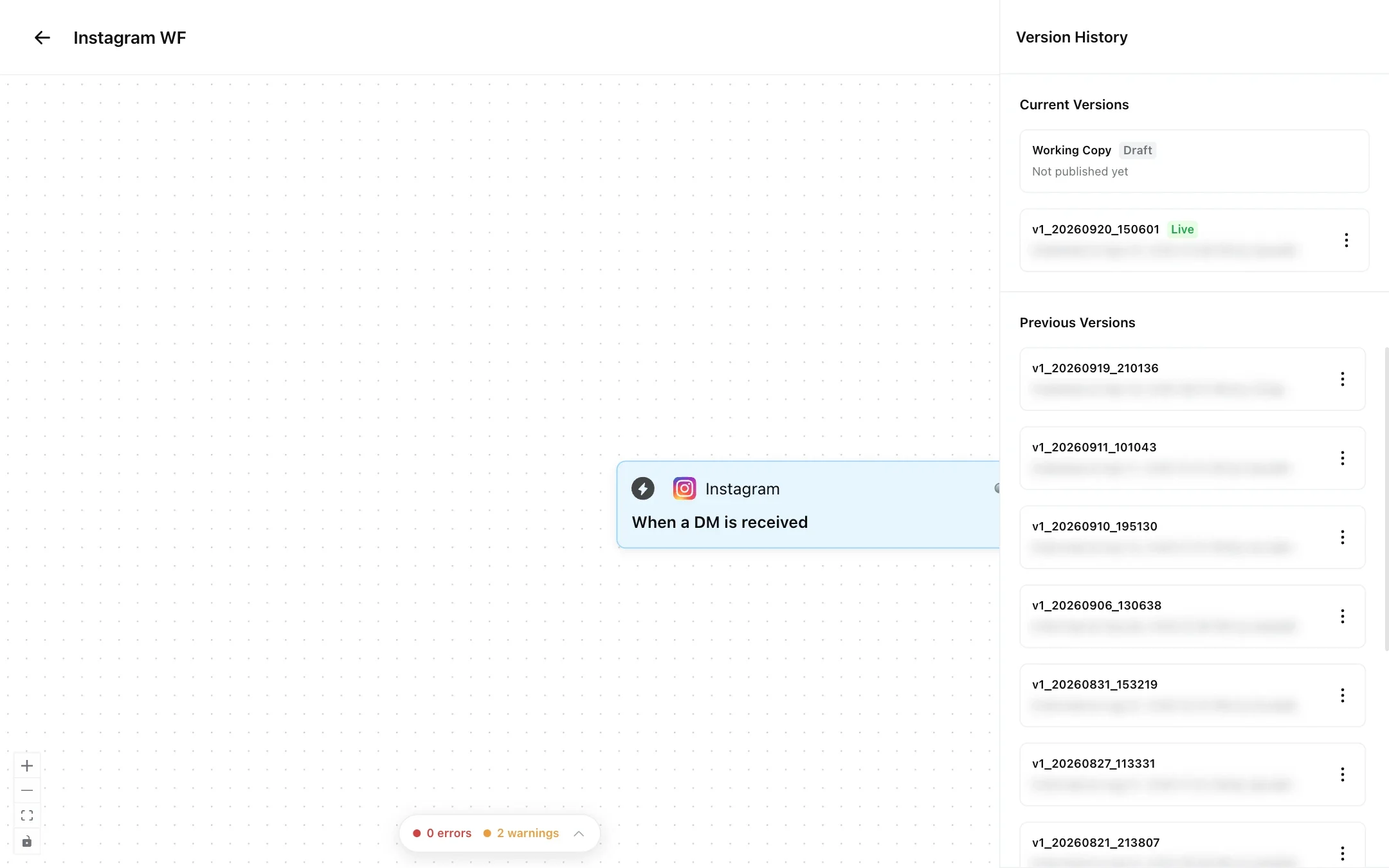
Open a workflow from Settings → Workflows & AI Agents → Workflows, then click the History icon (the clock) next to Edit at the top of the builder.
AI agents have their own, separate history. See AI agent version history.
How do drafts and published versions work?
A workflow has two current versions:
- Working Copy: the draft you edit in the builder. It shows Not published yet until you publish it. Your changes do not affect customers until then.
- Live: the version that runs on the workflow’s triggers. It is read-only.
When you publish, the working copy becomes the live version and the old live version moves to Previous Versions, with the date, time and who published it. Publishing also replaces the workflow’s triggers with the ones in the new version.
When you unpublish a workflow, its triggers stop, its status becomes Paused, and the latest version is marked as unpublished.
How do I look at an older version?
Click the version in the Version History panel. The canvas shows that version’s blocks and triggers so you can read them. Nothing changes until you restore it.
How do I restore an older version?
Pick the version
In Version History, click the version you want or open its menu (⋮).
Restore it
Click Restore this version. The version replaces your working copy.
Check and publish
Review the workflow in the builder, then publish. Until you publish, the current live version keeps running.
Does restoring a workflow change its AI agents?
No. Restoring a workflow keeps the current version of any AI agent inside it. Agents are versioned separately: to roll back an agent, use AI agent version history.
Can I restore a simple automation?
No. Simple automations have no version history. Version restore is only available for workflows, not for simple automations.