
Instagram and Facebook DMs
See how Instagram DMs and Facebook Messenger messages reach the unified inbox, how to let AI answer them with a workflow, and how your team takes over.
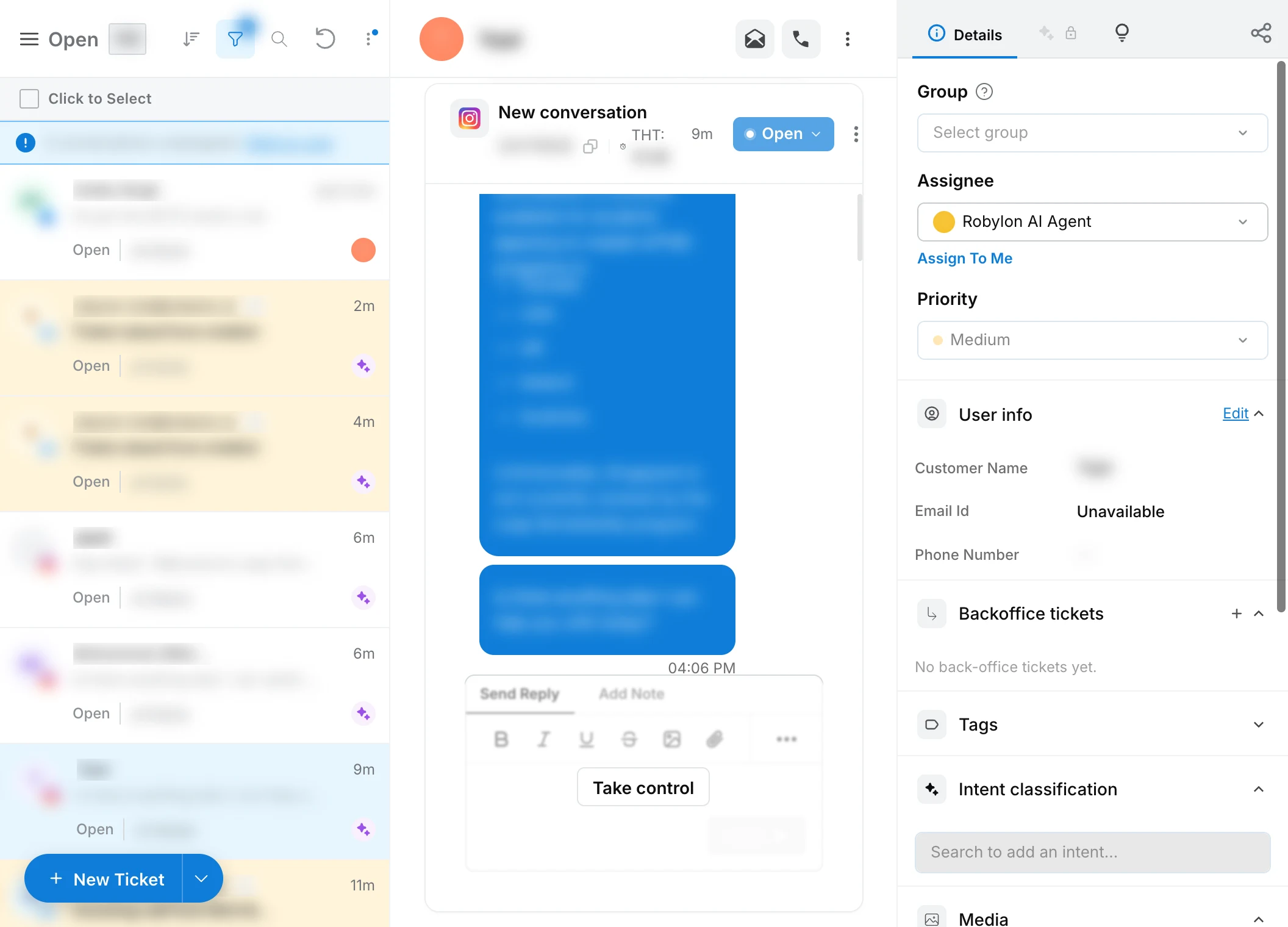
Instagram DMs and Facebook Messenger messages arrive in Robylon as chat conversations in the unified inbox. The AI answers them when a published workflow has the When a DM is received trigger for that account, and your team can reply or take over from the inbox at any time.
First connect the account, see Connect Instagram and Facebook.
Which messages come into Robylon?
Every direct message a customer sends to a connected account:
- Instagram DMs, including replies to your stories and story mentions.
- Facebook Messenger messages to a connected Page.
- Text, images and other attachments.
Story replies and story mentions also show on the Comments & Mentions page in Social engagement. Comments on posts are handled there, not as DMs.
Messages your team sends straight from the Instagram app, Messenger or Meta Business Suite do not appear in Robylon. Reply from Robylon to keep the whole conversation in one place.
Where do DMs appear?
In the unified inbox, with the other chat conversations. Use the Channel filter to show only Instagram or Facebook.
Each customer has one open conversation per account. New messages from the same customer are added to it until the conversation is resolved. The next message after that starts a new conversation.
When a message arrives, Robylon marks it as seen and shows a typing indicator to the customer.
How does the AI answer a DM?
With a workflow. The AI replies only when a published workflow has the When a DM is received trigger for the account the message came to. Without one, the DM still arrives in the inbox but nobody answers it automatically.
Create or open a workflow
Go to Settings → Workflows & AI Agents → Workflows. See Workflows.
Add the DM trigger
Click Start Automation, then Add a Trigger. Choose Channel Trigger, the Instagram or Facebook channel, the account, and When a DM is received. See Triggers.
Add the AI
Add an AI agent block so the AI reads the message and replies. See AI Agent blocks.
Publish
Publish the workflow. Triggers only start published workflows.
The AI answers DMs only through a published workflow with the When a DM is received trigger for that account. Selecting Instagram or Facebook on an AI agent is not enough on its own.
A few rules decide which workflow runs:
- One workflow per DM. A trigger set to the specific account wins over one set to all accounts. On Instagram, if several triggers are still tied, the oldest one is used. On Facebook, a tie means no workflow runs, so keep one When a DM is received trigger per Page.
- Replies continue the same run. While a workflow is still running for the conversation, the customer’s next message goes to that run instead of starting a new one.
- Buttons depend on how many there are. Up to 3 buttons are sent as tappable buttons under the text “Select”. With 4 or more, they are sent as quick replies under “Select an option”: only the first 13 are sent, and each label is cut to 20 characters, so keep labels short. See Listen blocks.
The same trigger list has events for DMs that need other handling: When a chat is handed over outside office hours, When a chat workflow terminates abruptly, When a chat workflow gets a no match and When a user becomes unresponsive during chat.
How does my team take over?
Hand the conversation over to a human from the workflow or AI agent, or reply from the inbox. Once a conversation is handed over, the AI stops replying and new messages from the customer wait in the inbox for your team. See queues for how handed-over conversations are routed.
Your team replies from the conversation in the inbox, and the reply is sent to the customer as a DM. Replies can include images.
Robylon does not send status messages such as “assigned to an agent” to the customer on Instagram or Facebook. The customer only sees the replies.
Can I reply to a DM at any time?
Robylon lets you write a reply at any time, but Meta only delivers messages inside its messaging window, usually 24 hours after the customer’s last message. If Meta refuses a message, it is marked as failed in the conversation with the reason, and the customer does not receive it.
Failed messages you may see. On Facebook, the first two cases show Meta’s own error text instead.
| Message in Robylon | What it means |
|---|---|
| Instagram will not deliver this until they reply… | The message is outside the window Instagram allows. Wait for the customer to write again, or reply on the comment thread. |
| This person is not reachable on Instagram right now… | The customer has blocked the account or restricted messages. |
| This is a mention-based chat and cannot be replied to as a DM… | The conversation started from a mention of your account on someone else’s post. Reply on the post instead. |
| No comment reply for this comment initiated a DM… | The conversation started from a comment, but no DM has been started from it yet. Use Initiate DM on the comment first. See Social engagement. |