
Create a voice agent
Create a voice AI agent, learn what every section of the voice agent builder controls, and attach the phone numbers it calls from.
Create one from Settings → Workflows & AI Agents → AI Agents.
How do I create a voice agent?
Click Create AI Agent, choose the Voice channel group, name the agent and create it.
Open AI Agents
Go to Settings → Workflows & AI Agents → AI Agents and click Create AI Agent.
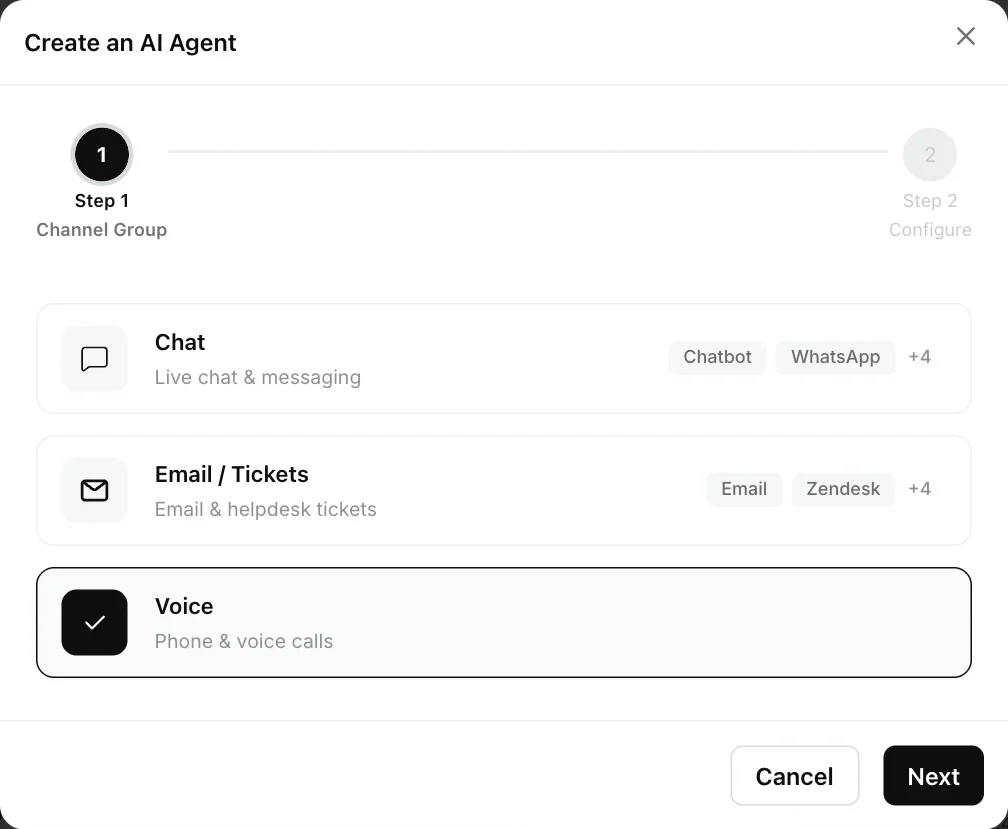
Choose the channel group
Select Voice (Phone & voice calls) and click Next. Voice agents are always of type Single Agent.
Name the agent
Enter an Agent Name (required) and an Agent Purpose, a short description of what the agent does, such as “Calls customers whose order cannot be delivered and offers a refund or replacement”.
Create it
Click Create Agent. The voice agent builder opens.
What can I configure in a voice agent?
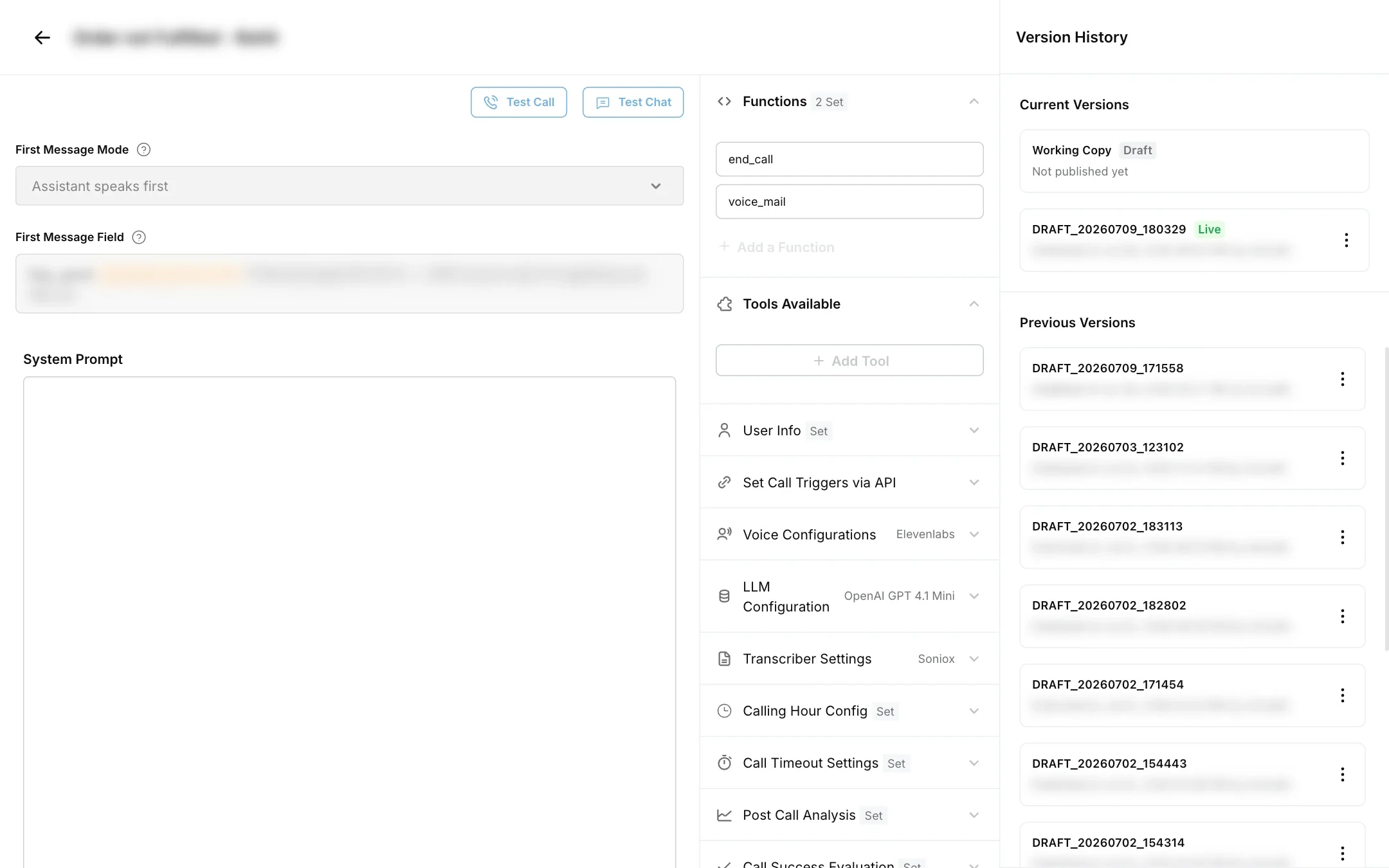
The builder has the call’s opening and the system prompt on the left, and a column of sections on the right. Each section has its own page:
| Section | What it controls | Read more |
|---|---|---|
| First Message Mode and First Message Field | Who speaks first, and the opening line | Call settings |
| System Prompt | The agent’s role, rules and conversation flow | Prompt and tools |
| Functions | Built-in actions such as ending the call, detecting voicemail or handing over to a person | Prompt and tools |
| Tools Available | Your own tools, for example an API that looks up an order | Prompt and tools |
| User Info | Details about the person being called, passed in as variables | Prompt and tools |
| Set Call Triggers via API | The endpoint and sample payload for starting calls | Triggering calls |
| Voice Configurations | The text to speech provider, voice and voice settings | Text to speech |
| LLM Configuration | The AI model and temperature | LLM |
| Transcriber Settings | The speech to text provider, language and listening settings | Speech to text |
| Calling Hour Config | When the agent may call | Call settings |
| Call Timeout Settings | What happens on silence, and the maximum call length | Call settings |
| Post Call Analysis | Values to extract from each call, or a workflow to run afterwards | Post-call analysis |
| Call Success Evaluation | How Robylon decides whether a call succeeded | Post-call analysis |
The header has Test Call and Test Chat for trying the agent (Testing), a version history button, and the controls to edit, publish and pause the agent. Changes are made on a draft and go live when you publish. See Version history.
How do I attach phone numbers to a voice agent?
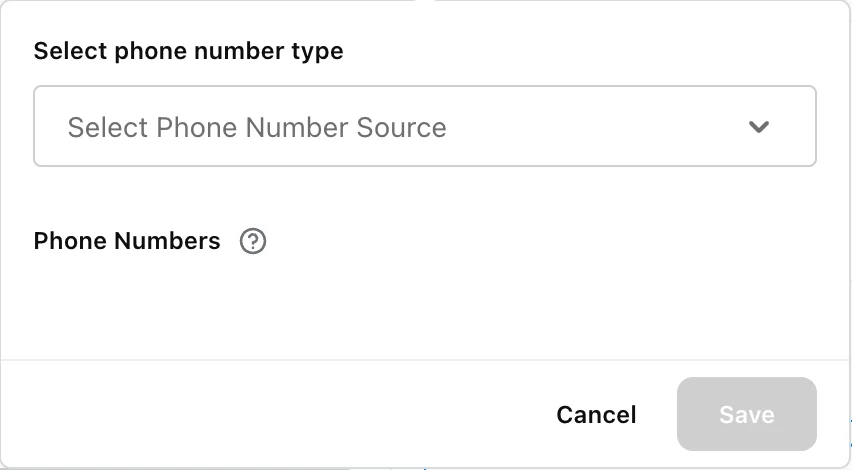
In the voice agent builder, click Add a Calling Number. Choose the call direction in Select phone number type (Inbound or Outbound), then pick numbers under Phone Numbers from the ones added in Settings → Channels → Voice, and click Save. Only numbers set to be used by AI can be attached.
- Outbound: you can attach several numbers. When the agent places a call, Robylon picks one of the attached numbers that has not already been tried for that call request.
- Inbound: you can attach a single number. Answering incoming calls on a number with a voice agent is switched on by the Robylon team: it is available on request, email support@robylon.ai.
Which defaults does a new voice agent start with?
A new agent starts with working defaults, so you can test it before tuning anything:
| Setting | Default |
|---|---|
| First message mode | Assistant speaks first with model generated message |
| Speech to text | Deepgram, model Nova 2, English |
| Text to speech | ElevenLabs, model Eleven Flash v2.5, voice Anika - Customer Care Agent |
| Temperature | 0 |
| Silence timeout | 60 seconds |
| Maximum duration | 200 seconds |
Pick the AI model yourself in LLM Configuration. If no model can be loaded for a call, the call uses Gemini Flash 2.5.
What makes a good first voice agent?
Start narrow. Pick one call type with a clear goal, such as confirming a delivery address or reminding a customer about a payment, and build that first. A focused agent is easier to prompt, test and measure than one that tries to handle every kind of call.