
Ratings & Reviews
Read the Ratings & Reviews dashboard for Google My Business, Google Play Store and App Store: review volume, average rating, rating distribution, response rate and who replies.
The Ratings & Reviews dashboard shows how many reviews you receive, how they are rated, and how many of them you answer from Robylon, and how fast. It covers Google My Business, Google Play Store and the App Store once they are connected.
Open it from Analytics & Insights → Ratings & Reviews. To connect a review channel, see Connect review channels.
What does the Ratings & Reviews dashboard show?
Four sections, two for app reviews and two for Google reviews. Choose the date range at the top right, and group charts by Daily, Weekly or Monthly under Aggregation.
| Section | What it covers |
|---|---|
| App Reviews Summary | App Store and Google Play Store together: volume, rating and response rate |
| App Reviews Response Performance | Who replies to app reviews, how fast, and at which ratings |
| Google Business Summary | Google My Business reviews, with a By Location table for each of your locations |
| Google Business Response Performance | Who replies to Google reviews, how fast, and at which ratings |
Until a review channel is connected, the page shows No review sources connected with a Connect a review source button.
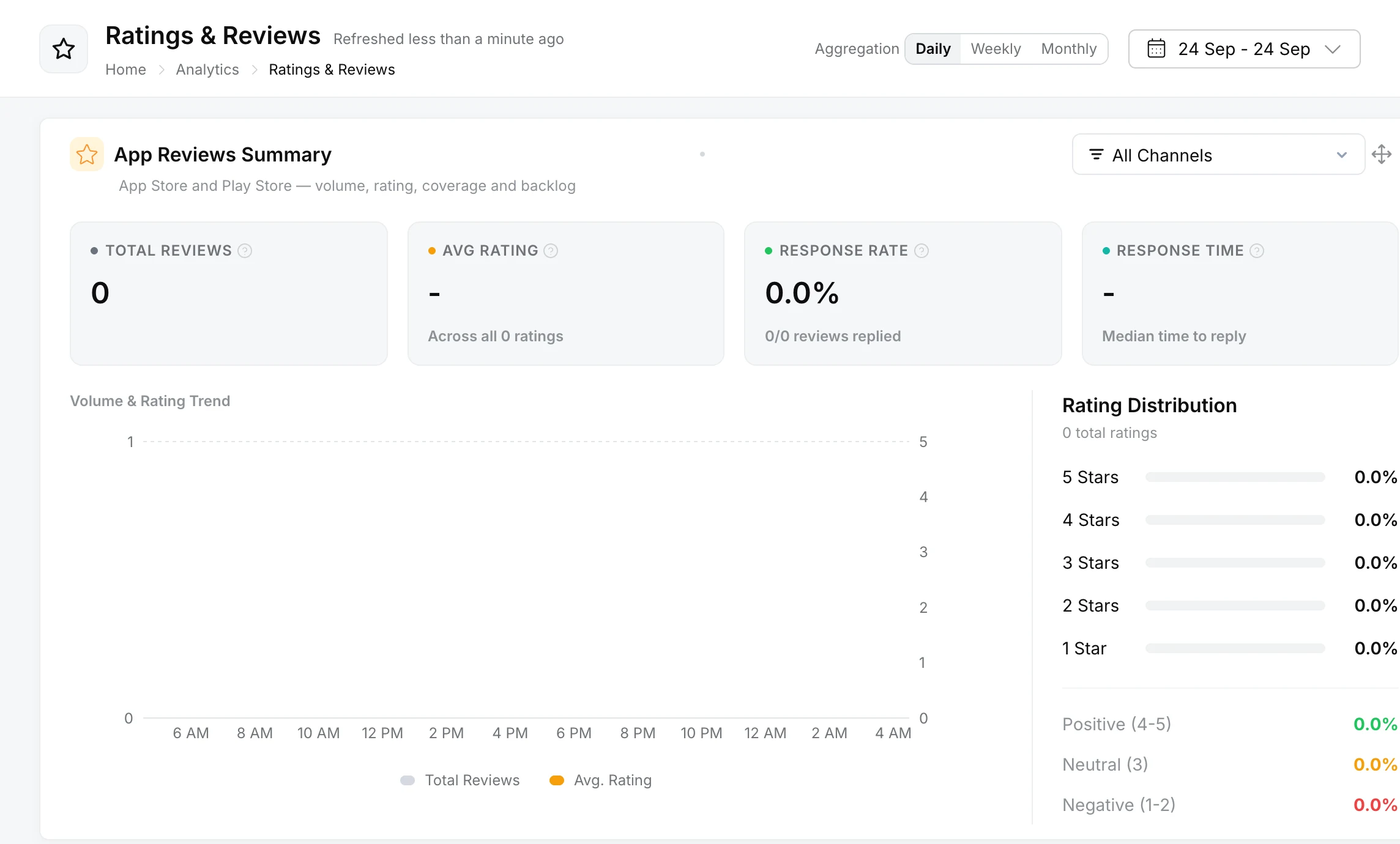
What do the summary figures mean?
| Figure | What it shows |
|---|---|
| Total Reviews | Reviews received, split into written Reviews, which can be replied to, and Ratings only, which are star ratings with no text. |
| Avg. Rating | The average star rating across every rating received, with or without text. |
| Response Rate | The share of written reviews that got a reply from Robylon, automatically or from a teammate. Star-only ratings are left out. |
| Rating Distribution | How many ratings were 1 to 5 stars, grouped as Negative (1-2), Neutral (3) and Positive (4-5). |
| Volume & Rating Trend | Review volume and average rating over time. |
What do the response performance figures mean?
They show who replies to reviews and how fast.
- Response rate, split into AI and Human. A review counts as an AI reply when the workflow replied and no teammate sent a message on it. The two add up to the overall rate.
- Replies by Author, the number of AI Replies and Human Replies over time.
Only replies sent from Robylon count. A review that already had a reply on the platform, or that you answered directly on the platform, does not count as replied. To set up replies, see Reply to reviews.