
11 SaaS Help Desk Tools Ranked for 2026 (3 Are Completely Free)
The 11 best SaaS support tools for 2026, ranked with real pricing and an honest take on which charging model (per-agent, per-resolution, or credits) actually fits your team.
The decision nobody tells you to make first
Most SaaS support tool lists hand you eleven logos and a feature grid, then leave the hardest question untouched: how the tool charges you. That single choice (per agent, per resolution, or per credit) decides your bill more than any feature does. A 20-agent team on Zendesk Suite Team pays around $13,200 a year before a single AI add-on. The same team on Freshdesk Growth pays roughly $3,600. Identical headcount, same job, a $9,600 gap.
So this guide ranks 11 tools, but it also tells you which pricing model fits which kind of team. That is the part that actually moves your unit economics.
Quick map of who each tool is for: Robylon for AI-first automation on a usage model; Zendesk for enterprise omnichannel scale; Freshdesk for ticketing depth at a low entry price; Intercom for messenger-led, product-led teams; Help Scout for a human shared inbox; Zoho Desk for budget automation; HubSpot Service Hub for native CRM alignment; Salesforce Service Cloud for complex workflows; Gorgias for transactional, order-heavy support; HappyFox for a clean all-in-one desk; LiveAgent for chat-first teams that want built-in voice.
If you already know you want a tailored shortlist for your channels and volumes, you can book a demo. Otherwise, read on.
What a SaaS support tool actually does
It centralizes customer conversations across email, chat, WhatsApp, voice, and in-product messages, then helps your team resolve them. For SaaS specifically, the work is onboarding questions, usage issues, billing queries, and renewals. Not internal IT tickets. That distinction matters, because tools built for internal ITSM optimize for different things than tools built for paying external users whose churn shows up in your revenue.
A working SaaS stack usually has five layers: an omnichannel inbox and ticketing; a knowledge base for self-service; automation for routing and repetitive actions; AI for deflection and agent assist; and analytics for CSAT, average handle time (AHT), and first-contact resolution (FCR). Tools differ in how many of these they do well, and how much each layer costs once you turn it on.
For a broader playbook on the operational side, our guide on proven ways to improve customer support pairs well with this list.
How we evaluated each tool
Six criteria, weighted toward what changes outcomes rather than what looks good in a demo.
- Pricing model honesty: Per-agent, per-resolution, ticket-volume, or credits. We flag the model up front because it is the cost driver people discover too late.
- Omnichannel depth: Email, chat, social, WhatsApp, and voice in one place, with context that carries between channels.
- Ticketing and automation: Queues, SLAs, routing, and macros that cut time-to-resolution without constant babysitting.
- AI capability: Real deflection and autonomous resolution, not just a summarize button. The gap between “suggests a reply” and “resolves the ticket” is large.
- Analytics: CSAT, AHT, FCR, and backlog you can actually act on.
- CRM and integrations: Account, plan, usage, and billing context one click away, so agents stop asking customers to repeat themselves.
The 11 best SaaS support tools for 2026
1. Robylon - best for AI-first automation on a usage model
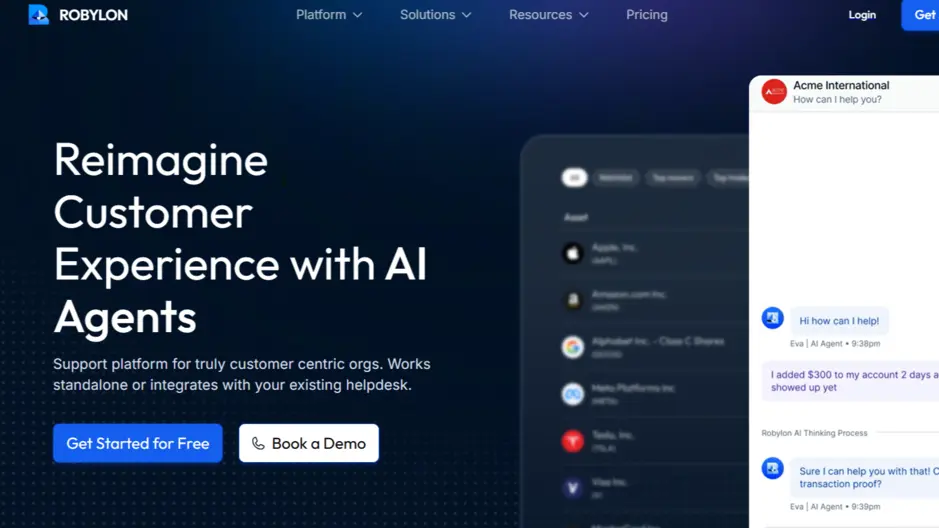 Robylon’s AI-powered customer support platform for chat and voice automation.
Robylon sits on top of your existing desk and resolves Tier-1 queries across email, chat, WhatsApp, and voice with autonomous AI agents. Across Robylon’s support deployments, 85% of tickets are resolved without a human, and the rest go to your team with the full conversation attached. The agents take action through 32 pre-built integrations and tools built from your own APIs, so they can update a ticket, check an order, or process a plan change, not just answer.
The pricing model is the differentiator. Robylon charges on usage credits, not per resolution. AI agents need no seats, so adding AI capacity adds no seat fees, and AI resolution is included rather than billed as a per-ticket surcharge; seats for a human team are optional.
Key features
- Omnichannel automation across web chat, email, social, WhatsApp, and voice with a unified transcript and context
- AI agents that pull answers from your knowledge base and CRM, then act through integrations
- Smart routing, workflow triggers, and auto-summaries that pull down AHT
- Human-in-the-loop with tone-shift escalation, plus support in over 40 languages
Pricing: Starter is free with 300 credits a month (about 40 conversations), Pro starts at $25 a month for 500 credits, Business starts at $180 a month for 4,500 credits, and Enterprise is quoted; yearly billing takes 10% off (see pricing). Credits-based with no per-resolution fee; AI agents need no seats, and seats for a human team are optional at $19 to $89 per seat a month.
Where it wins: Fast time-to-value, live in 7 days, predictable cost as volume grows, and agents that resolve rather than deflect.
Where it does not: It works best when your knowledge base and processes are reasonably structured. If your docs are a mess, you will spend the first week fixing that. Honestly, that is true of every AI tool here.
Best for: SaaS startups, B2B SaaS, high-volume support, and product-led growth teams. For the full picture, see how Robylon handles customer support end to end.
2. Zendesk - best for enterprise omnichannel scale
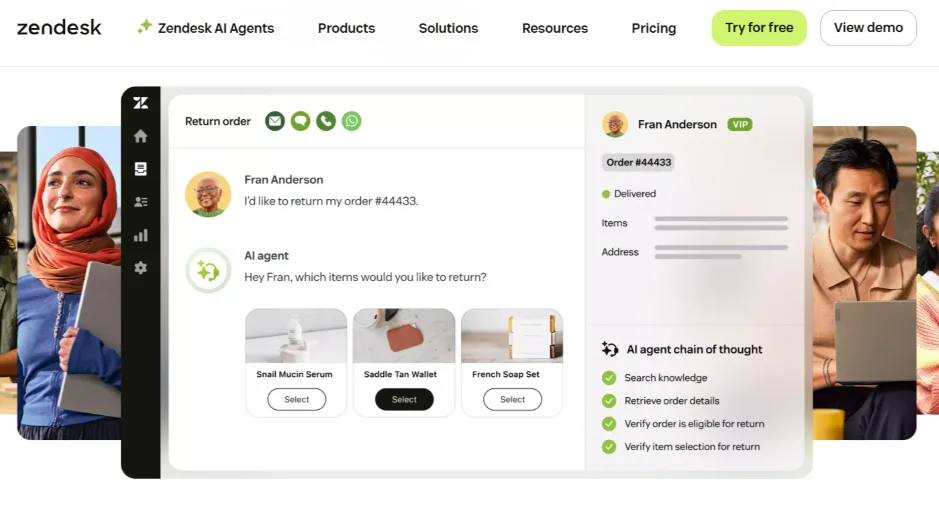 Zendesk presents AI agents in action, handling returns and support workflows inside its helpdesk UI.
Zendesk is the default enterprise answer for a reason. The ticketing is mature, the marketplace has 1,500+ apps, and Explore gives you analytics most teams never outgrow. It handles email, chat, social, WhatsApp, and voice with the SLAs and approval flows large teams need.
The catch is cost structure. In Zendesk’s 2025 restructure, the old Professional and Enterprise Support tiers were folded into Suite, and AI lives in add-ons. Copilot is its own $50/agent/month line item, and autonomous resolutions can carry per-resolution fees on top. A mid-size team that turns everything on lands well into six figures a year.
Key features
- Omnichannel across email, chat, social, WhatsApp, and voice with a real contact center
- Ticketing with macros, side apps, SLAs, and approvals
- Help center plus AI triage and the Advanced AI add-on
- Explore analytics and a deep app marketplace
Pricing: Suite Team from $55/agent/mo, Suite Professional $115, Suite Enterprise around $169 (now sold as Enterprise + Copilot, contact-sales). Advanced AI and Copilot add $35–$50/agent/mo each.
Where it wins: Breadth, reliability at scale, and an ecosystem that covers almost any edge case.
Where it does not: Admin complexity and a bill that climbs fast once add-ons stack. Native automation resolves a smaller share of tickets than the AI-first tools.
Best for: Enterprise and high-volume teams that need depth over speed. Weighing it against an AI-native layer? Our Zendesk pricing breakdown runs the real numbers.
3. Freshdesk - best for ticketing depth at a low entry price
 Freshdesk: omnichannel helpdesk for modern, lower-cost customer service.
Freshdesk is the tool teams reach for when Zendesk feels like too much. You get multichannel ticketing, Freshchat, skill-based routing, collision detection, and the Freddy AI layer at a fraction of the entry cost. Most agents are productive within a day.
The honest read: value is strongest at the Growth tier. By Pro, you are paying a premium for features (CSAT surveys, custom roles, round-robin) that some competitors include lower down. Worth comparing total cost before you commit to the upper tiers.
Key features
- Multichannel ticketing plus Freshchat live chat
- Skill-based routing, collision detection, and canned forms
- Knowledge base, self-service, and SLA management
- Freddy AI for summaries, suggestions, and deflection
Pricing: Free tier (1–2 agents, time-limited); Growth around $15–$19, Pro $49–$55, Enterprise $79–$89 per agent/mo on annual billing. Freddy AI Copilot adds roughly $29/agent/mo.
Where it wins: Price-to-value for small and mid teams, quick setup, and solid automation primitives.
Where it does not: The best features sit on higher tiers, and native autonomous resolution is modest.
Best for: Small businesses, SaaS startups, and remote teams watching the budget.
4. Intercom - best for messenger-led, product-led support
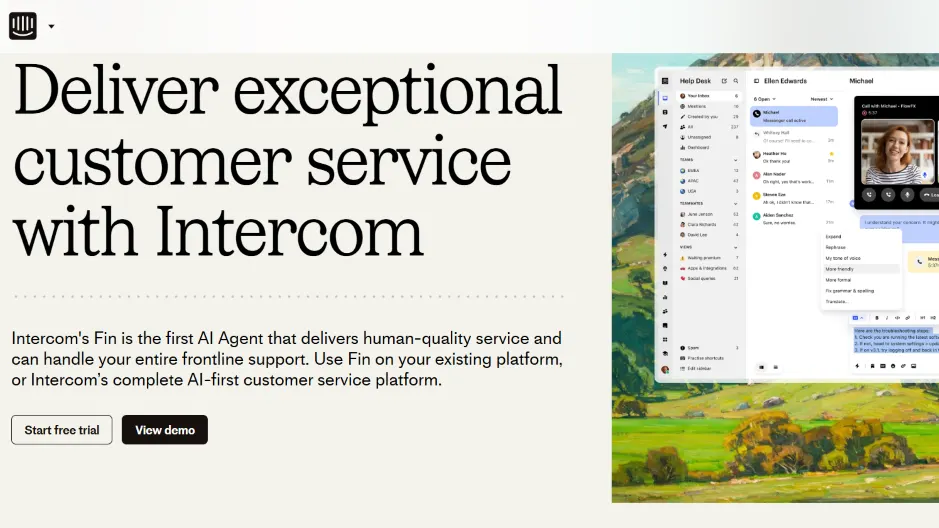 Intercom showcases Fin, its AI agent, across the support inbox.
Intercom built the chat bubble everyone copied, and it still leads on in-product messaging. The unified inbox, product tours, surveys, and behavioral outreach make it a natural fit for PLG onboarding and retention. Fin, its GPT-powered agent, answers from your help center and resolves a meaningful share of conversations on its own.
The pricing wrinkle is the resolution fee. Fin charges per resolution, which is great when volume is low and gets uncomfortable as it scales. Run the math on your monthly resolution count before you assume it is cheap.
Key features
- Unified inbox with in-app messages, product tours, and surveys
- Fin AI agent synced to your help center content
- Workflow builder, multilingual support, and a large app ecosystem
- Reporting on resolution, deflection, and engagement
Pricing: Essential from $29–$39/seat/mo; Fin from $0.99 per resolution. Total cost moves with seats, people reached, and add-ons.
Where it wins: Best-in-class messaging UX and proactive engagement for product-led teams.
Where it does not: Per-resolution Fin pricing is unpredictable at scale, and there is no dedicated WhatsApp or SMS channel out of the box. Email and voice depth may need add-ons.
Best for: Product-led SaaS and B2B teams that live in the in-app experience. See the side-by-side in our Robylon vs Intercom comparison.
5. Help Scout - best for a human shared inbox
 Help Scout blends AI assist and human support in a shared inbox.
Help Scout keeps support feeling like a conversation, not a ticketing system. That is the whole point. The collaborative inbox shows full customer history beside every reply, Docs handles your knowledge base, and the Beacon widget covers chat and self-serve. AI now drafts first responses from past answers, so agents edit instead of writing cold.
The pricing moved to a contacts-based model with unlimited users, which is friendly for lean teams where everyone pitches in on support.
Key features
- Collaborative inbox with collision detection and internal notes
- Docs knowledge base and the Beacon widget for chat plus self-serve
- AI-drafted replies, saved replies, CSAT, and basic analytics
- Unlimited users, priced by monthly contacts
Pricing: Free (100 contacts/mo), then contacts-based tiers around $50 and $75 per 100 contacts, with a Pro tier from 1,000 contacts. Unlimited users on every plan.
Where it wins: Minimal overhead, friendly UI, and fast adoption. AI is included rather than bolted on.
Where it does not: Fewer enterprise controls and no native phone support. Automation is simpler than Zendesk or Freshdesk.
Best for: Small businesses, SaaS startups, and remote teams of 2–15 who want a team inbox.
6. Zoho Desk - best for budget automation and customization
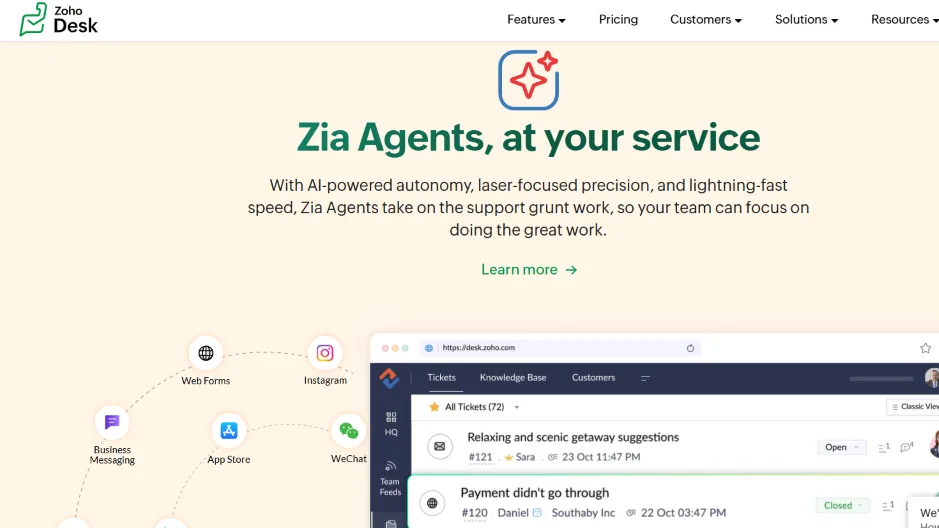 Zoho Desk’s Zia Agents bring AI-powered ticket automation to the desk.
Zoho Desk pairs a low total cost of ownership with genuinely flexible workflows. You get an omnichannel inbox, custom layouts and fields, SLAs, approvals, and Zia AI for sentiment, auto-tagging, and suggestions. The new Zia Agents push toward autonomous task handling. If you already run other Zoho apps, the integration is the real draw.
Key features
- Omnichannel inbox across email, chat, phone, and social, plus a knowledge base
- SLAs, custom layouts and fields, workflows, and approvals
- Zia AI for sentiment, summaries, and suggestions, with Zia Agents for autonomous tasks
- Deep Zoho CRM integration with dashboards and reports
Pricing: Free tier plus Standard, Professional, and Enterprise paid tiers. Pricing shifts by region and currency, so confirm USD at checkout.
Where it wins: Strong value, highly configurable processes, and broad suite integration.
Where it does not: The UI can feel dense, and some features are gated to higher tiers.
Best for: Small businesses, B2B SaaS, and high-volume teams already in the Zoho ecosystem.
7. HubSpot Service Hub - best for native CRM alignment
 HubSpot unites marketing, sales, and service on one customer platform.
Service Hub’s pitch is the shared data model. Because it sits inside HubSpot CRM, agents see every deal, usage signal, and account note beside the ticket, and handoffs between sales, success, and support stay clean. If your go-to-market already runs on HubSpot, this is the path of least resistance.
Key features
- Shared inbox, customer portal, knowledge base, and feedback surveys
- Playbooks, workflows, SLAs, and omnichannel messaging
- AI features embedded across CRM and Service
- Tight alignment with sales and marketing ops
Pricing: Starter around $9–$15/seat/mo, Professional $90/seat/mo, Enterprise $150/seat/mo, plus required core seats and add-ons depending on bundle.
Where it wins: One customer record, smooth cross-team handoffs, and reporting that ties support to revenue.
Where it does not: Configuration can get expensive, and costs rise as you scale seats and add-ons.
Best for: B2B SaaS, enterprise, and PLG teams already standardized on HubSpot.
8. Salesforce Service Cloud - best for complex workflows
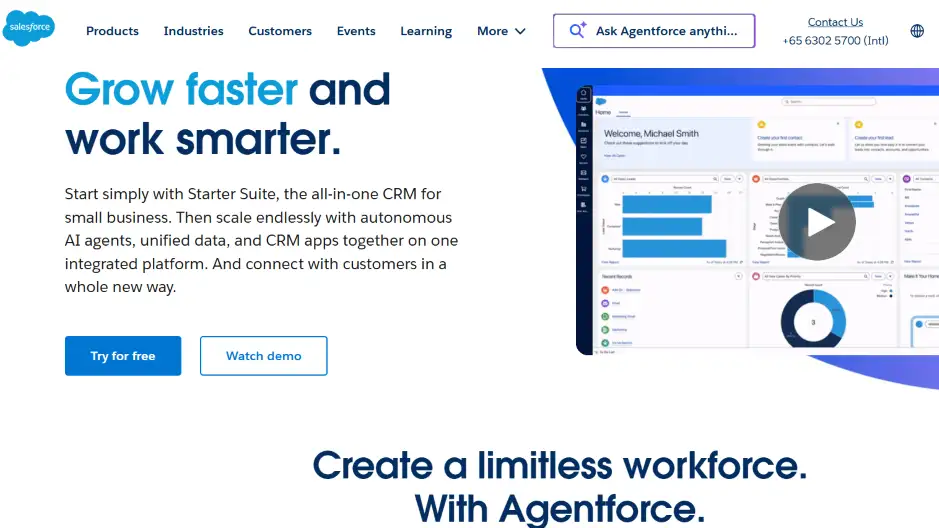 Salesforce Agentforce combines CRM data with autonomous AI agents.
Service Cloud is where you go when your service processes are genuinely complicated and your data already lives in Salesforce. Flows, objects, omnichannel routing, embedded telephony, and Einstein AI give you near-unlimited extensibility. Agentforce and Einstein 1 layer on advanced AI. None of it is simple, and none of it is cheap, but few platforms match the governance and depth.
Key features
- Omnichannel routing across chat, email, messaging, and voice
- Case SLAs, Knowledge, macros, and embedded telephony
- Einstein AI for replies, routing, and summarization; Agentforce for autonomous agents
- Native CRM context, dashboards, and data governance
Pricing: Starter $25/user/mo, Pro $100, Enterprise $175, Unlimited $350; Agentforce 1 for Service around $550/user/mo. Digital and voice add-ons change the effective cost.
Where it wins: Enterprise-grade extensibility, governance, and ecosystem depth.
Where it does not: Real implementation effort and licensing complexity. This is not a fast deployment.
Best for: Enterprise and B2B SaaS teams with complex workflows and Salesforce data gravity.
9. Gorgias - best for transactional, order-heavy support
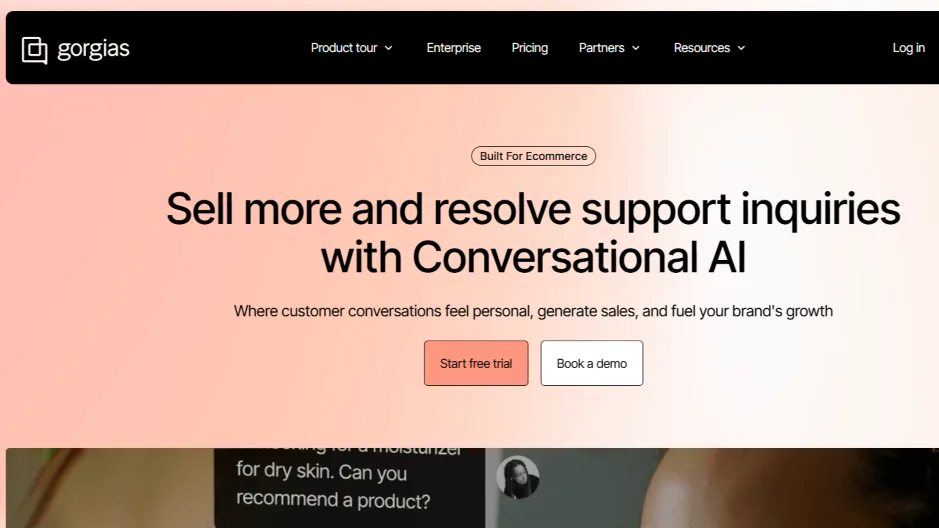 Gorgias uses conversational AI to turn support into sales for order-driven brands.
Gorgias made its name in ecommerce, but any SaaS with heavy transactional or billing questions can use it. It surfaces order and billing context in-thread, automates refunds, status checks, and cancellations, and ties responses back to revenue. If your tickets are mostly “where’s my thing” and “change my plan,” its macros and rules are excellent.
It charges by ticket volume rather than per agent, which rewards lean teams handling lots of simple tickets and penalizes you if volume spikes.
Key features
- Multichannel inbox across email, chat, social, and SMS
- Ecommerce and billing data surfaced in-thread, with macros and rules
- Automation for refunds, order status, and cancellations
- Reporting on revenue impact and response SLAs
Pricing: Ticket-volume based, from around $50/mo, scaling by tickets with AI as a paid add-on. Inclusions vary by tier.
Where it wins: Excellent macros and templates, plus strong Shopify and Stripe context.
Where it does not: Ticket quotas on lower tiers, and narrower depth for complex B2B workflows.
Best for: Order-driven brands, small businesses, and high-volume transactional support.
10. HappyFox - best for a clean all-in-one desk
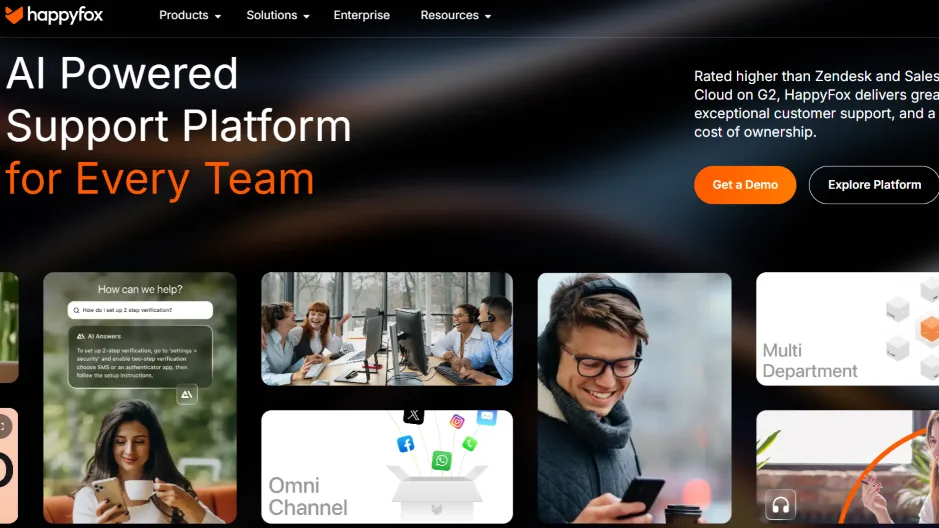 HappyFox offers an all-in-one support platform across teams and channels.
HappyFox is the quietly capable option. It balances ticketing depth, tasking, and a knowledge base in a clean package without the admin sprawl of the enterprise suites. Categories, SLAs, canned actions, and Smart Rules cover most workflows, and you can choose per-agent or unlimited-agent annual plans with ticket caps.
Key features
- Ticketing with categories, SLAs, canned actions, and Smart Rules
- Knowledge base, asset tracking options, dashboards, and reports
- Per-agent or unlimited-agent annual plans with ticket caps
- Chat and in-app messaging available as a separate add-on
Pricing: Per-agent, billed annually, across editions (Mighty, Fantastic, Enterprise, Enterprise+). Exact USD shows on the vendor page with the feature matrix.
Where it wins: Straightforward admin and a good balance of features against cost.
Where it does not: Ticket caps by plan, and chat or in-app messaging costs extra.
Best for: Small businesses, B2B SaaS, and remote teams that want one clean desk.
11. LiveAgent - best for chat-first teams that want built-in voice
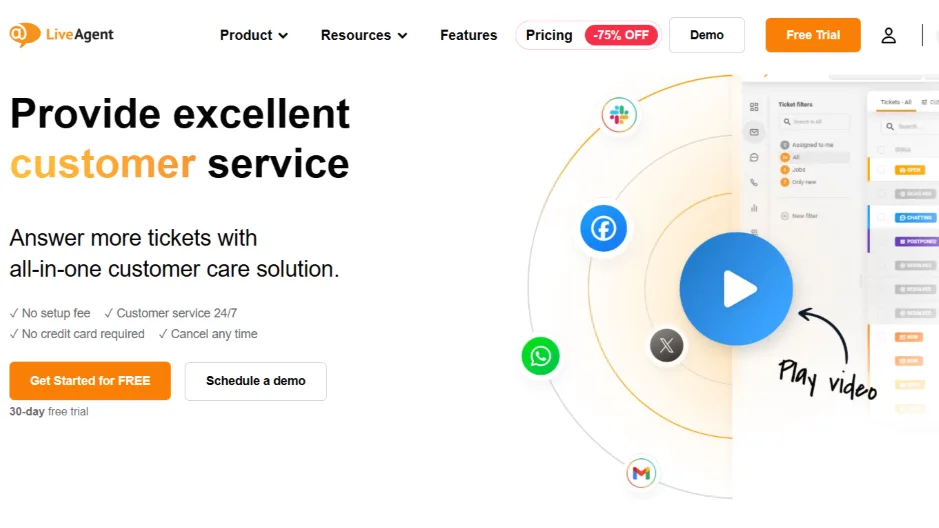 LiveAgent unifies chat, email, social, and calls in one console.
LiveAgent’s pitch is everything-in-one-console at a low price, with call routing and IVR built in rather than bolted on. The live chat widget is fast, the shared inbox is solid, and the gamification layer is a genuinely nice touch for motivating a small team. Setup is quick.
Key features
- Live chat widget, call routing and IVR, and a shared inbox
- Social integrations, canned responses, and tags
- Gamification for team motivation
- Reporting and SLA timers
Pricing: Small $15, Medium $29, Large $49, Enterprise $69 per agent/mo on annual billing.
Where it wins: Quick setup, integrated voice, and good value for chat-centric teams.
Where it does not: The UI feels utilitarian, and advanced analytics are lighter than the enterprise tools.
Best for: Small businesses, remote teams, and high-volume chat-first support.
The 11 tools at a glance
If you skipped to here, this is the fast version. Each line is the tool, who it suits, and the pricing model to keep in mind.
- Robylon: AI agents that resolve tickets across email, chat, voice and WhatsApp. Credits-based, with optional seats for a human team. Starter free, Pro from $25/mo, Business from $180/mo.
- Zendesk: Enterprise omnichannel scale. Per-agent, AI as add-ons. Suite Team $55/agent/mo and up, plus $35–$50 AI add-ons.
- Freshdesk: Ticketing depth at a low entry price. Per-agent. Growth ~$15–$19, Pro ~$49–$55, Enterprise ~$79–$89.
- Intercom: Messenger-led, product-led support. Per-seat plus per-resolution Fin. Essential from $29–$39/seat, Fin from $0.99/resolution.
- Help Scout: Human shared inbox. Contacts-based, unlimited users. Free 100 contacts, then ~$50–$75 per 100.
- Zoho Desk: Budget automation and customization. Per-agent, region-dependent. Free tier plus paid tiers.
- HubSpot Service Hub: Native CRM alignment. Per-seat. Starter ~$9–$15, Professional $90, Enterprise $150.
- Salesforce Service Cloud: Complex workflows and data gravity. Per-user. $25 to $350, Agentforce ~$550/user.
- Gorgias: Transactional, order-heavy support. Ticket-volume. From ~$50/mo, AI as add-on.
- HappyFox: Clean all-in-one desk. Per-agent or unlimited-agent with ticket caps.
- LiveAgent: Chat-first with built-in voice. Per-agent. $15 to $69/agent/mo.
Per-agent, per-resolution, or credits: which model fits you
This is the part worth slowing down for. The three dominant pricing models each have a team they punish.
Per-agent (Zendesk, Freshdesk, HubSpot, Salesforce, LiveAgent) is predictable but penalizes growth. Every new hire is a new license, forever. It also misaligns incentives: you pay more for humans exactly when AI should be reducing how many you need.
Per-resolution (Intercom’s Fin, Zendesk’s AI agent overage) looks cheap at low volume and gets expensive precisely when the tool is working well. The better your automation performs, the bigger the bill. That is a strange thing to be charged for.
Credits or usage (Robylon) decouples cost from headcount and from how often the AI succeeds. You add agents for free and resolution is included. For a growing SaaS team where volume is climbing faster than you want to hire, that math is hard to argue with once anyone bothers to do it.
There is no universally right model. A five-person team with flat volume might do fine on per-agent. A team scaling from 5,000 to 50,000 tickets a quarter should think carefully before signing anything that charges per seat or per resolution.
What AI support actually looks like in 2026
The phrase “AI help desk” covers a lot of ground, from a summarize button to an agent that closes tickets unattended. Worth separating the layers, because they deliver very different value.
- Ticket deflection: Surfaces a self-serve answer in chat, email, or web before a ticket is created, and escalates only when it cannot help.
- Autonomous agents: Handle Tier-1 tasks end to end (password resets, billing updates, order or status checks) through secure actions and workflow rules, not just canned replies.
- Agent copilot: Drafts sourced replies, summarizes long threads, and recommends next steps so humans move faster on the hard cases.
- Knowledge synthesis: Pulls articles, policies, and release notes into one source so chat, email, and voice give the same answer.
Done right, this shows up in the numbers: lower AHT, higher FCR, a smaller backlog, and steadier CSAT. The teams that get the most out of it tend to share their results, and a few are collected in our customer stories.
A simple rollout that works
You do not need a six-month program. A clean rollout looks like this.
- Pick your top intents for deflection and publish clear self-serve answers for them.
- Turn on autonomous handling for one or two high-volume, low-risk tasks with guardrails.
- Enable the copilot so agents get summaries and suggested replies on everything else.
- Connect CRM and product data so the AI’s answers stay accurate to each account.
- Run a two-week pilot on one channel, measure against your baseline, then expand.
The knowledge base is the part most teams underinvest in, and it is the single biggest lever on how well any of this performs. If yours needs work, our guide to building an AI-ready knowledge base is the place to start. For channel strategy across chat, email, and voice, see our breakdown of customer support channels.
How to actually choose
Match the tool to your situation, not to the longest feature list.
- Budget stage: Free tiers are fine for validation. Paid plans unlock the automation and analytics that pay for themselves once volume is real.
- Team size: Larger teams need workflow automation, permissions, and QA. Smaller teams need a tool everyone can run without training.
- Ticket type: Order and billing questions favor Gorgias-style context. Product and onboarding questions favor messenger-led or AI-first tools.
- Growth curve: If volume is climbing faster than headcount, weight the pricing model heavily. It will dominate your three-year cost.
The right tool compounds across retention, expansion, and brand trust. The wrong one quietly taxes every one of those. For SaaS teams specifically, our SaaS support overview goes deeper on fit by company stage.
Ready to cut your Tier-1 volume without adding headcount? Robylon is an AI customer support platform that resolves tickets across email, chat, voice and WhatsApp, with agents that take action in Zendesk, HubSpot, Shopify and your own systems through 32 pre-built integrations and your APIs. Start free
Frequently asked questions
What is a SaaS support tool?
It is customer-facing help desk software that centralizes email, chat, WhatsApp, voice, and in-product messages to manage onboarding, usage, billing, and renewals; built for external users of SaaS companies, not ITSM.
How do I choose the best help desk software 2026?
Score tools on omnichannel depth, ticketing + automation, KB + chatbot deflection, AI capabilities, reporting/CSAT/SLAs, CRM integration, reliability, pricing, and user reviews.
Which tools suit SaaS startups and SMBs?
Robylon, Freshdesk, Help Scout, and Zoho Desk for quick setup, value pricing, and practical automation.
Which platforms fit enterprise or complex B2B SaaS?
Robylon, Zendesk, Salesforce Service Cloud, and HubSpot Service Hub for scale, workflows, security, and deep CRM context.
What’s the difference between customer service software (2026) and SaaS help desk software?
Customer service software is a broad stack, with omnichannel messaging (email, chat, WhatsApp, voice), knowledge base, automation, and analytics (CSAT, AHT, FCR), often with proactive in-product messages and journeys. SaaS help desk software is more ticket-centric, including queues, SLAs, macros, approvals, assignment, and reporting.
Which tools balance omnichannel (email, chat, WhatsApp, voice) with strong analytics (CSAT, AHT, FCR)?
For a balanced package, shortlist: Robylon – layers AI deflection + autonomous agents across channels and pushes clean transcripts/metrics back into your help desk and CRM. Zendesk – mature omnichannel with deep dashboards and SLAs. Freshdesk – strong ticketing + automation, value pricing, clear SLA/AHT views. Intercom – messenger-led workflows with resolution/deflection reporting. HubSpot Service Hub – solid analytics tied to CRM timelines and health. Salesforce Service Cloud – enterprise routing, Einstein insights, robust reporting.
Can we deploy an AI SaaS support agent across Tickets, Chat, WhatsApp, and Voice without switching tools?
Yes, keep your help desk and add an AI layer that plugs into your KB/CRM, phone ( Twilio/Exotel ), and WhatsApp Business. The agent should (1) Retrieve answers from your KB, (2) Perform actions via APIs (create/update tickets, status checks), (3) Handover to humans with full context, and (4) Log every interaction back to the ticket. Robylon AI is designed for this “overlay” model, so teams get automation without a platform swap.
Which help desk tools integrate best with AI support agents (for SaaS)?
For seamless AI support agent overlays, start with Robylon to automate Tier-1 across Tickets, Chat, WhatsApp, and Voice while your help desk stays the system of record. Strong bases include Zendesk (broad marketplace/APIs), Freshdesk (good coverage at lower TCO), Intercom (messenger + app ecosystem), HubSpot Service Hub (native CRM), Salesforce Service Cloud (deep CRM workflows), Zoho Desk (Zoho suite), and LiveAgent (built-in voice).
What integrations matter for SaaS (CRM, billing, product analytics)?
Must-haves include CRM (HubSpot, Salesforce) for account, plan, and SLA context Billing (Stripe, Chargebee, Recurly) for refunds, invoices, and plan changes Product analytics (Mixpanel, Amplitude) for usage-aware replies Telephony & WhatsApp (Twilio, Exotel, Meta Cloud API) for calls/messages Collaboration (Slack) for alerts/approvals
What is the best SaaS support tool in 2026?
There is no single best tool, only the best fit for your volume and pricing tolerance. Zendesk and Salesforce lead for enterprise depth, Freshdesk and Help Scout win on value for small teams, and Robylon is strongest when the goal is high autonomous resolution without per-seat costs. Start by deciding whether per-agent, per-resolution, or credits-based pricing fits how your team will grow, then shortlist from there.
How much does SaaS help desk software cost?
Entry pricing ranges widely. Per-agent tools start around $15 to $55 per agent per month, with AI features often added as $30 to $50 line items. Usage-based tools like Robylon start free and scale on credits rather than seats, while Intercom layers a per-resolution fee (from $0.99) on top of seats. A 20-agent team can pay anywhere from $3,600 to well over $100,000 a year depending on the model and add-ons.
Which SaaS support tools include AI for free?
A few include AI in the base plan rather than as an add-on. Help Scout bundles AI-drafted replies, Robylon includes AI resolution in its credits with a free Starter tier, and Zoho Desk's Zia features appear on paid tiers. By contrast, Zendesk and Freshdesk charge separately for their Copilot and Freddy AI layers, so the headline seat price understates the real cost of AI.
Should a startup pick per-agent or usage-based pricing?
If your support volume is climbing faster than your headcount, usage-based pricing usually wins because cost stays tied to work done rather than seats filled. Per-agent pricing suits small teams with flat, predictable volume. The trap is per-resolution pricing, which gets more expensive as your AI succeeds more often, so model your expected monthly resolutions before assuming it is the cheap option.
Can I add AI support without replacing my current help desk?
Yes. An overlay model keeps your existing desk as the system of record and adds an AI layer that plugs into your knowledge base, CRM, phone, and WhatsApp. The agent retrieves answers, takes actions through APIs, hands off to humans with full context, and logs everything back to the ticket. Robylon is built for exactly this, so teams get automation without a disruptive platform migration.
Related reading
 Customer Support
11 Customer Service Trends in 2026 Every Support Leader Must Know
Top 11 customer service trends for 2026: from AI copilots to autonomous agents, voice AI, omnichannel, GenAI, and human+AI partnerships.
 Customer Support
9 Free Help Desk Tools in 2026 That Don't Feel Free (Full Breakdown)
From lightweight tools for startups to advanced systems with AI and automation, explore the top free and freemium help desk software of 2026.
 Customer Support
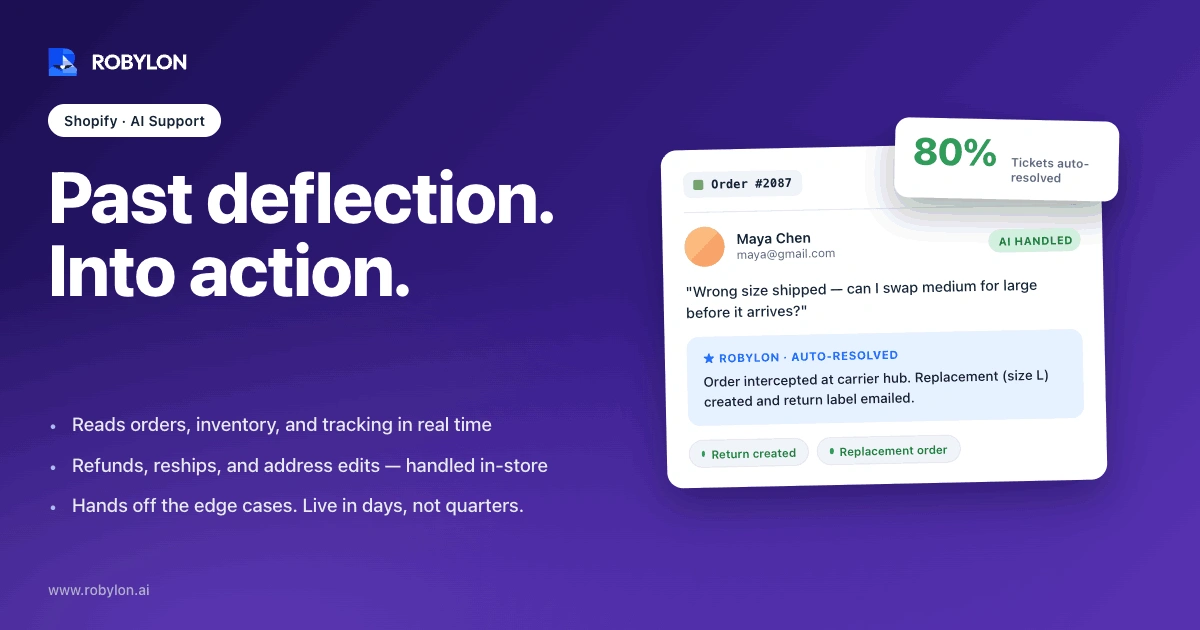
AI customer service agents for Shopify: the complete 2026 guide
AI customer service for Shopify has moved past deflection bots to agents that read order data and take action. This guide covers the ticket mix that automates, what an agent does inside your store, where it should hand off to a human, and how to roll it out in days.