
AI for Vendor & Supplier Email Communication
Vendor and supplier inboxes are full of repetitive, structured email that AI can resolve end to end. This guide covers what to automate, where to keep humans in the loop, and how to measure it.
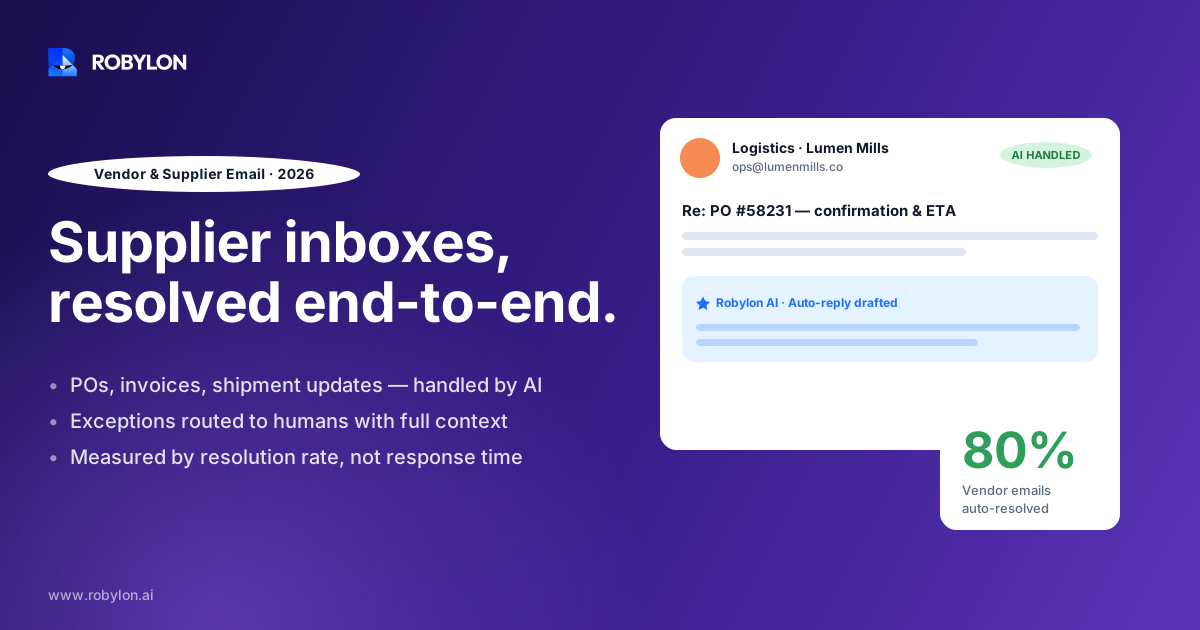
A mid-size manufacturer has 312 open vendor threads in a shared procurement inbox by Tuesday morning. Forty are PO confirmations waiting to be logged, sixty are delivery-date questions, and a handful are price-change notices that need a buyer’s eyes before anyone replies. Most of that queue is structured, repetitive, and slow only because a person has to read each line and type each answer.
This is the part of procurement nobody puts on a slide. Buyers want to run sourcing events and negotiate contracts, but they spend a large share of the week confirming orders, chasing acknowledgements, and re-keying data from supplier PDFs into the ERP. One analysis found procurement professionals lose roughly 30% of their time to repetitive admin work, much of it living in email.
AI changes which of those emails ever reach a human. Let’s look at what that actually means for a vendor and supplier inbox, where it works, and where it shouldn’t.
Why supplier email is the slowest part of procurement
Vendor communication doesn’t fail because it’s complicated. It fails because it’s high-volume and unstructured. A single purchase order can spawn an acknowledgement, a partial-shipment notice, a backorder alert, an invoice, and three follow-ups about a delivery window, each landing as a separate email from a different supplier using a different format.
The cost shows up in two places. First, speed: manual purchase order processing that should take hours stretches into days, and vendors miss an estimated 18% of line items when orders are handled by hand, which feeds rework and disputes downstream. Second, lost intelligence. Your inbox holds months of data on supplier lead times, price movement, and reliability, but because it’s buried in unstructured threads, almost none of it gets used for negotiation or sourcing decisions.
There’s a quieter problem too. When approvals and confirmations scatter across personal inboxes, audit prep turns into archaeology. Reconstructing who approved what, and when, from email chains is exactly the kind of work that should have been captured automatically the first time.
What AI can actually resolve in a vendor inbox
The useful mental model is to split supplier email into two buckets: messages with a predictable shape, and messages that need judgment. AI handles the first bucket well, and that bucket is bigger than most teams assume.
Here’s where an AI email support agent earns its place across day-to-day vendor communication:
- PO confirmations and acknowledgements: when a supplier replies “confirmed” or “accepted,” the agent reads the intent, matches it to the open PO, and updates the record without a buyer touching it.
- Order-status and delivery questions: “Where’s PO 44182?” gets answered from live ERP and logistics data instead of a buyer hunting through threads.
- Follow-ups on missed deadlines: the agent nudges a vendor who hasn’t acknowledged an order or confirmed a ship date, on a schedule, without anyone remembering to chase.
- Quote and RFI intake: incoming quotes get parsed, key fields pulled, and the data dropped into the right system so a buyer compares numbers instead of transcribing them.
- Document requests during onboarding: the agent asks a new supplier for a W-9, insurance certificate, or banking details, validates what comes back, and moves the file along.
- Backorder and exception notices: a “back-ordered” reply gets flagged, logged against the PO, and routed to the right buyer with the context already attached.
The common thread is that these emails are recognizable. The agent isn’t guessing at meaning; it’s matching a known pattern to a known action and then taking that action through a system of record. That last part is what separates a real agent from an autocomplete that drafts a reply and waits.
Taking action, not just drafting replies
A lot of “AI for email” stops at suggesting a response. That helps a little, but the buyer still has to open the ERP, find the PO, and key in the update. The time sink barely moves.
What matters is write access. Robylon connects to ERP, logistics, and finance systems through 60+ write-access integrations, so the agent can update a PO line, log a confirmation, or trigger a follow-up directly, not just compose text about doing it. Resolving a vendor email means the record changed, not that a draft is sitting in someone’s outbox.
Where AI should stop and hand off
Automating the wrong supplier email is worse than automating none. Some messages carry commercial or legal weight that a model shouldn’t carry alone, and pretending otherwise is how teams lose trust in the whole system.
Keep a human in the loop for these:
- Price changes and contract terms: a supplier announcing a 12% increase is the start of a negotiation, not a ticket to close. Route it to the buyer with the history attached.
- Disputes and claims: short-shipments, quality complaints, and chargebacks need a person who can weigh the relationship, not a templated reply.
- New commitments: anything that creates spend or changes an order quantity should pass through approval, not get auto-confirmed.
- Tone shifts: when a supplier’s email turns frustrated or urgent, that’s a signal to escalate, not to keep replying on script.
Good systems detect these cases and escalate on purpose. Robylon uses tone-shift detection and explicit escalation rules so the agent resolves what it should and routes the rest, fast, with the thread context intact. We’ve found this line, what to resolve versus what to route, is the single most important design decision in any vendor-email rollout. Get it wrong and you either drown buyers in low-value approvals or let the agent answer questions it had no business answering.
If you want to go deeper on drawing that boundary, our breakdown of when AI should resolve versus route to a human walks through the rules in detail.
How it fits an existing procurement stack
Nobody wants to rip out their ERP to add an email agent, and they shouldn’t have to. The agent sits on top of the inbox your team already uses and reaches into the systems you already run.
A typical setup connects four things: the shared mailbox (Outlook or Gmail), the ERP or procurement platform where POs live, a logistics or tracking source for delivery data, and finance for invoice and payment status. Incoming mail is read, classified, and either resolved against those systems or escalated. Before any of this goes live, the agent is validated against your historical vendor tickets so you can see the projected resolution rate on your own mail, not a generic benchmark.
That classification step is its own discipline. Sorting vendor mail by type and urgency before routing is what makes the rest work, and it’s covered in our guide to email triage and prioritization. For more complex flows, where one supplier message kicks off several downstream steps, multi-agent email workflows handle the chained actions.
B2B email has its own rules
Vendor communication isn’t consumer support. The same supplier contact recurs across hundreds of threads, the relationship is ongoing, and a clumsy automated reply can sour a partnership you’ve spent years building. Account context matters more here than in any other support channel, which is why we treat B2B email support and account management as a distinct discipline rather than a flavor of helpdesk.
What to measure once it’s running
Resolution rate is the headline number, but it’s not the only one that matters. A vendor-email agent that resolves a lot but quietly erodes supplier relationships isn’t a win.
Track these together:
- Autonomous resolution rate: the share of vendor emails closed without a buyer. Robylon typically lands in the 60–80% range, measured against your real ticket history during onboarding.
- Time to first response: how fast a supplier hears back. This is where automation shows up immediately, dropping multi-day waits to minutes.
- Escalation accuracy: of the emails the agent routed to a human, how many genuinely needed one. A high false-escalation rate means your rules are too cautious.
- Data capture: how much of the lead-time, pricing, and reliability data once trapped in email now lands in your systems as structured records.
The data-capture metric is the one teams underrate. Once supplier emails flow through an agent, the patterns inside them, who confirms late, who changes prices often, who ships short, become queryable instead of anecdotal. That’s the difference between negotiating on gut feel and negotiating on your own history. Logging every action with a clear trail also makes audits far less painful, which our piece on audit trails and logging covers if compliance is a concern.
A realistic starting point
The teams that get this right don’t try to automate everything on day one. They start narrow. Pick one high-volume, low-risk email type, PO confirmations are the usual first pick, prove the agent handles it cleanly, then widen the scope to status questions, follow-ups, and onboarding requests.
That phased approach matters because supplier trust is fragile. A vendor who gets one wrong auto-reply remembers it. Starting with the email types where the agent is most certain, and keeping humans on anything commercial, builds the track record that lets you expand safely. Robylon deployments usually go live in 3–7 days on a first email type, then grow from there.
Honestly, the math is hard to argue with once anyone bothers to do it. If buyers spend a third of their week on email that follows a pattern, and most of that pattern can be resolved automatically, the question isn’t whether to automate vendor communication. It’s which email type to hand over first.
Ready to clear the repetitive vendor email out of your buyers’ inboxes? Robylon AI resolves 60–80% of supplier emails autonomously with AI agents that take action across your ERP, logistics, and finance tools, plus 60+ other integrations. Start free at robylon.ai
Frequently asked questions
What vendor emails can AI handle without a human?
AI reliably handles the structured, repetitive part of vendor email: PO confirmations and acknowledgements, order-status and delivery questions, follow-ups on missed deadlines, quote intake, and onboarding document requests. These messages follow recognizable patterns the agent can match to a known action and complete through your ERP or logistics system. Commercial messages like price changes, disputes, and new commitments should still route to a buyer, so the practical split is roughly 60–80% autonomous with the rest escalated.
Does AI just draft replies or actually update systems?
The useful version does both, but the difference is write access. A drafting tool composes a reply and leaves the buyer to open the ERP and key in the update, so the time saving is small. An agent with write-access integrations updates the PO line, logs the confirmation, or triggers the follow-up directly. Resolving a vendor email should mean the record actually changed, not that a draft is waiting in someone’s outbox for manual entry.
How do we keep AI from mishandling supplier negotiations?
Set explicit escalation rules and rely on tone-shift detection. Price increases, contract terms, disputes, and anything that creates new spend should route to a buyer with the thread history attached, never get auto-confirmed. When a supplier’s tone turns frustrated or urgent, that’s a signal to hand off rather than keep replying on script. The agent resolves the predictable, low-risk email and deliberately stops at anything carrying commercial or legal weight.
How long does it take to deploy AI for supplier email?
A focused rollout goes live in about 3–7 days on a single email type, usually PO confirmations. Before launch, the agent is validated against your historical vendor tickets so you see a projected resolution rate on your own mail rather than a generic benchmark. Starting narrow and expanding to status questions, follow-ups, and onboarding once the first type proves out keeps supplier trust intact and avoids the risk of automating too much at once.
Will an AI email agent work with our existing ERP and inbox?
Yes. The agent sits on top of the shared mailbox you already use, Outlook or Gmail, and connects into the systems you already run through 60+ write-access integrations, including ERP, logistics, and finance tools. There’s no need to replace your procurement platform. Incoming mail is read, classified, and either resolved against those connected systems or escalated to a buyer, so the agent fits the stack rather than forcing you to rebuild it.