
How AI Reads and Understands Customer Emails: NLP for Email Support
AI email support is not magic — it is a series of well-defined NLP steps that turn unstructured customer emails into structured, actionable data. This educational guide explains each step of the pipeline, from raw email parsing through intent detection, entity extraction, sentiment analysis, and response generation.
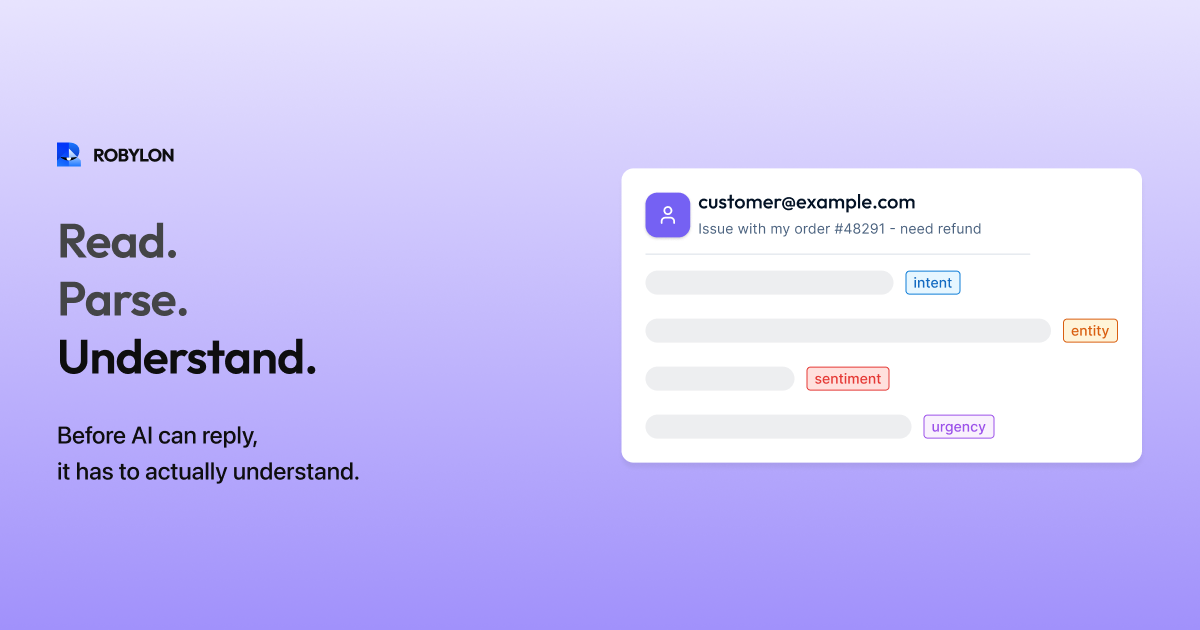
When a customer emails “Hi, I ordered a blue hoodie last week (order #45721) and it arrived damaged. I’d like a replacement or a refund. Also, can you update my address for future orders? New address: 42 Oak Street, Portland, OR 97201. Thanks, Sarah” — the AI needs to understand that this email contains two distinct requests (return/refund for a damaged item and an address update), extract specific entities (order #45721, product: blue hoodie, issue: damaged, new address: 42 Oak Street Portland OR 97201), detect the customer’s tone (calm but expects resolution), and generate a response that addresses both requests with specific, verified information.
This is not a simple keyword match. It requires a sophisticated NLP pipeline that parses email structure, detects intent, extracts entities, analyzes sentiment, and feeds everything into a response generation system. Here is how each step works.
Step 1: Email Parsing
Before the AI can understand the email’s content, it must parse its structure. A customer email contains several distinct elements: the subject line (often the first clue about intent — “Damaged order” or “Refund request”), the greeting and signature (usually irrelevant to the support query but important to identify the customer’s name and tone), the body text (the actual support request), and the reply chain (previous messages in the thread, if this is a follow-up).
The parser separates these elements, strips formatting artifacts (HTML tags, email client signatures, forwarded message headers), identifies which parts are the customer’s words versus quoted text from previous replies, and produces a clean text representation of the current message plus context from the thread history.
This parsing step is critical because customers email in wildly different formats. Some write structured paragraphs. Some type stream-of-consciousness. Some forward an entire chain with “See below — please help.” The parser normalizes all of this into a format the AI can process consistently.
Step 2: Intent Detection
Intent detection answers the question: “What does the customer want?” Modern AI email systems use large language models (LLMs) for intent detection, which is significantly more accurate than the keyword-matching and classification models used in older systems.
The LLM reads the parsed email and identifies one or more intents from a predefined taxonomy: order_status, return_request, refund_request, address_update, billing_inquiry, product_question, complaint, and so on. For the example email above, the model detects two intents: return_or_refund (damaged item) and address_update.
What makes LLM-based intent detection superior to keyword matching: it understands paraphrasing (“I want my money back” = refund_request even though the word “refund” does not appear), it handles implied intent (“This hoodie is ruined” = likely return_request even without an explicit request), and it disambiguates context-dependent language (“charge” means billing_inquiry in “Why was I charged twice?” but means product_question in “How long does this battery charge last?”).
Step 3: Entity Extraction
Entity extraction identifies the specific data points in the email that the AI needs to take action. From our example: order number (45721), product (blue hoodie), issue type (damaged), requested resolution (replacement or refund), new address (42 Oak Street, Portland, OR 97201), and customer name (Sarah).
Entity extraction works in concert with intent detection. The intent determines which entities are relevant — a return_request intent triggers extraction of order number, product, and issue type. An address_update intent triggers extraction of the new address. Entities that do not match any active intent are noted but not prioritized.
The challenge with entity extraction in email: customers express entities in dozens of formats. Order numbers appear as “#45721”, “order 45721”, “my order number is 45721”, “ref: 45721”, or embedded in a forwarded confirmation email. Addresses may be formatted on one line or spread across multiple lines. Product names may be informal (“blue hoodie”) rather than matching the exact catalog name (“Premium Cotton Hoodie - Navy”). The extraction model must handle all these variations.
Step 4: Sentiment Analysis
Sentiment analysis evaluates the customer’s emotional state: positive, neutral, negative, or urgent. For email support, sentiment serves two purposes. First, it determines escalation behavior — highly negative or urgent emails may be routed to senior agents regardless of the AI’s ability to resolve the factual question. Second, it calibrates the AI’s response tone — a calm inquiry gets a straightforward response, while a frustrated customer gets acknowledgment and empathy before the resolution.
Email sentiment analysis is more nuanced than chat because emails are longer and may contain mixed signals. A customer might start with “I’ve been a loyal customer for 5 years” (positive), continue with “but this experience has been terrible” (negative), and end with “I hope you can fix this” (constructive). The AI must read the overall arc, not just individual sentences.
Step 5: Knowledge Retrieval (RAG)
Once the AI knows what the customer wants (intent) and the specific details (entities), it retrieves the relevant information to construct a response. This uses Retrieval-Augmented Generation (RAG) — the AI searches a knowledge base for content matching the detected intent and generates a response grounded in that content.
For our example: the return_or_refund intent triggers retrieval of the returns policy article (is the item within the return window? what is the process for damaged items?). The address_update intent triggers retrieval of the address change procedure. Simultaneously, the AI queries connected systems: the OMS for order #45721 details (was it delivered? what product? when?), the returns system for eligibility, and the CRM for the customer’s account to update the address.
RAG ensures the AI’s responses are grounded in factual, up-to-date information rather than generated from the model’s training data. This is what separates a support AI (which gives accurate, company-specific answers) from a general chatbot (which gives plausible-sounding but potentially incorrect answers).
Step 6: Response Generation
With intent, entities, sentiment, knowledge, and live system data assembled, the LLM generates a response. For the example email, the response might address the damage report (confirming the order, acknowledging the damage), offer the resolution options (replacement or refund, based on verified eligibility), provide specific next steps (return shipping label attached, refund timeline), address the address update (confirming the change was made in the system), and close with an appropriate tone matching the brand voice.
Response generation is not simply pasting knowledge base text — it is composing a natural, coherent email that weaves together multiple pieces of information, personalizes with the customer’s name and order details, and reads like it was written by a knowledgeable support agent. The LLM handles this composition, while the RAG content and system data ensure factual accuracy.
Step 7: Confidence Scoring
Before the response is sent (or queued for review), the system assigns a confidence score. This score reflects how certain the AI is that the response is correct and complete. Factors that increase confidence: clear intent detection (single, unambiguous intent), strong entity extraction (order number found and verified in the system), high knowledge match (KB article directly addresses the question), and all system queries returned valid data. Factors that decrease confidence: ambiguous intent, missing entities (no order number found), no matching KB content, system query failures, and multi-issue emails where some issues are resolvable but others are not.
The confidence score determines the routing: above the auto-send threshold (typically 85–92%), the response is sent automatically. Between auto-send and draft threshold (70–85%), a draft is created for agent review. Below the draft threshold, the email is escalated to a human agent with the AI’s analysis attached as context.
Bottom Line
AI email support is a pipeline — parsing, intent detection, entity extraction, sentiment analysis, knowledge retrieval, response generation, and confidence scoring — each step building on the previous one. Understanding this pipeline demystifies AI: it is not magic, it is engineering. And when any step is weak — poor parsing, inaccurate intent detection, incomplete knowledge base — the entire pipeline suffers. Conversely, strengthening any step (especially the knowledge base) produces improvements across the whole system.
See the pipeline in action. Robylon AI processes every email through its 7-stage resolution pipeline — from parsing to confidence scoring — resolving 60–80% of tickets without human involvement. Start free at robylon.ai
Frequently asked questions
What is the NLP pipeline for AI email support?
Seven stages: 1) Email parsing — separates subject, body, signature, quoted text, and thread history. 2) Intent detection — LLM identifies what the customer wants (return, refund, WISMO, etc.). 3) Entity extraction — pulls order numbers, product names, addresses, amounts. 4) Sentiment analysis — evaluates emotional state (positive, neutral, negative, urgent). 5) Knowledge retrieval (RAG) — searches KB for relevant content. 6) Response generation — LLM composes a personalized reply. 7) Confidence scoring — determines auto-send vs draft vs escalate.
How does AI detect intent in customer emails?
Modern AI uses large language models (LLMs) for intent detection — far more accurate than keyword matching. The LLM reads the full email and identifies intents from a taxonomy (return_request, refund, WISMO, billing_inquiry, etc.). LLMs understand paraphrasing ("I want my money back" = refund even without the word "refund"), implied intent ("This hoodie is ruined" = likely return request), and context-dependent language ("charge" means billing in "Why was I charged twice?" but product in "How long does this battery charge?").
What is RAG and why does it matter for email AI?
Retrieval-Augmented Generation (RAG) is the process where the AI searches your knowledge base for content matching the detected intent, then generates a response grounded in that content. RAG ensures responses are factual and company-specific — not generic LLM knowledge that might be outdated or incorrect. Without RAG, the AI generates plausible-sounding answers from training data. With RAG, it gives accurate answers from your actual policies, product data, and business systems. RAG is what makes a support AI trustworthy.
How does AI extract entities like order numbers from emails?
Entity extraction identifies specific data points needed for resolution: order numbers, product names, amounts, addresses, customer names. The challenge: customers express entities in dozens of formats — "#45721", "order 45721", "ref: 45721", or embedded in a forwarded confirmation. The AI uses contextual understanding (not just regex patterns) to recognize entities regardless of format, and intent-entity mapping to know which entities matter for each intent type (a return intent triggers order number and product extraction).
What is confidence scoring and how does it work?
Confidence scoring reflects how certain the AI is that its response is correct. Factors that increase confidence: clear single intent, strong entity extraction (order verified in system), high KB match, all system queries returned valid data. Factors that decrease confidence: ambiguous intent, missing entities, no matching KB content, system query failures, multi-issue emails. The score determines routing: above 85–92% → auto-send. 70–85% → draft for agent review. Below 70% → escalate to human with AI analysis attached.